
Venomous Abyss November 5 Hotfixes: Heroic and Mythic
Smaller Blood Venom pools affect Heroic and Mythic. Other November 5 raid nerfs have narrower scope. Check the exact mode before changing your next pull.
 WoW AuditorGuides
Follow a worked 7-versus-8-point example, see why roles and main-character preference can change the result, and review a boss roster before sharing it.
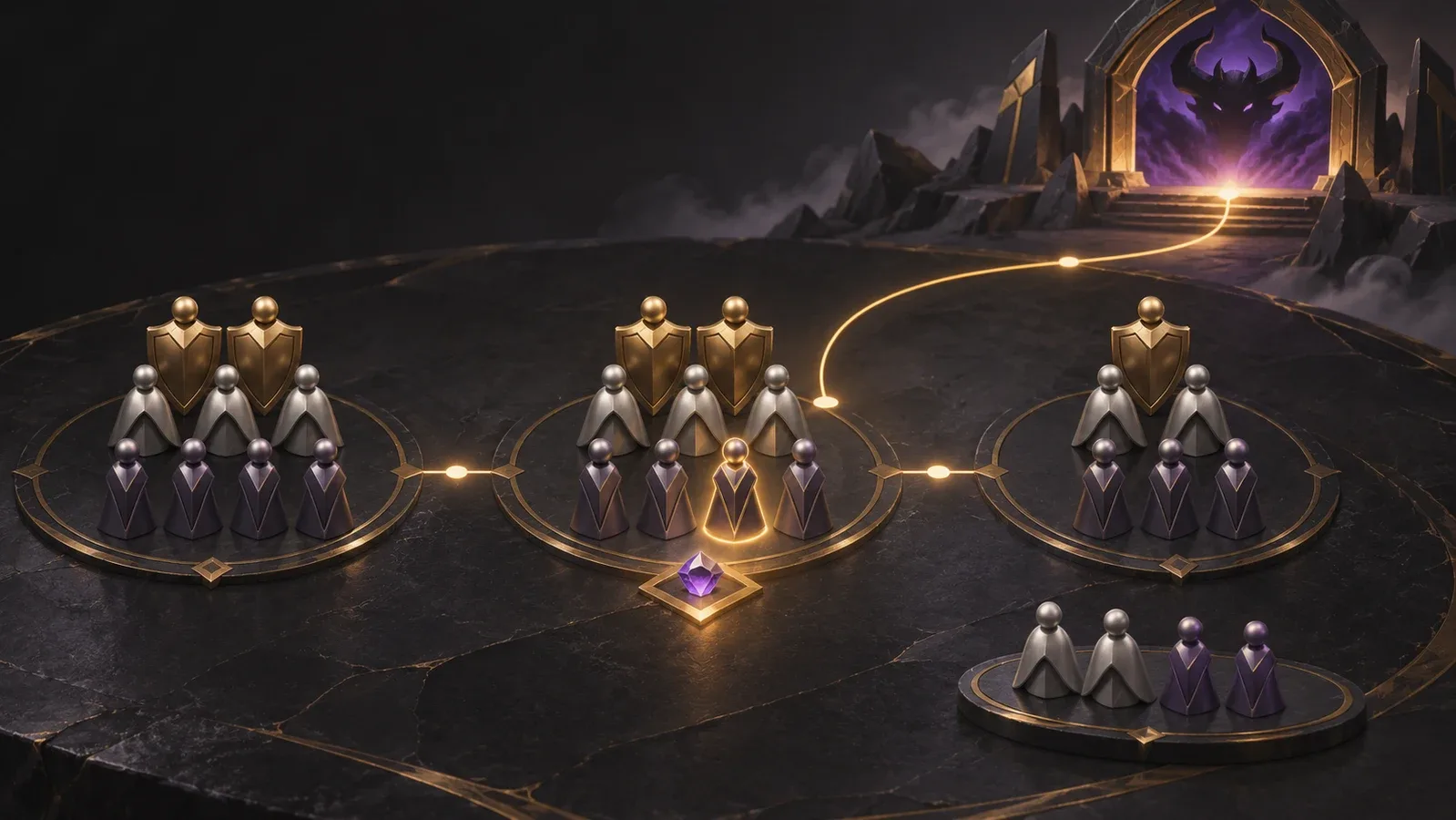
Use the score to understand outstanding gear requests for a boss. Review it alongside roles, main/alt status and boss-count targets before making the final roster decision.
Two players want a place on the same farm boss. One has 8 priority points; the other has 7. Who should be in the raid?
The answer depends on the roster's rules. In WoW Auditor, the score describes the value assigned to a character's outstanding gear requests for that boss. The assignment also considers roles, main versus alt status and configured boss-count targets. Reading the number without those constraints can turn a useful planning tool into a source of arguments.
This guide explains the calculation, walks through a deliberately fictional example and shows what to check before sharing a roster. The behaviour described was checked against WoW Auditor's implementation on November 4, 2026. Your roster's saved settings take precedence over the example weights below.
The useful question is: how many configured priority points are attached to this character's outstanding requests on this particular boss?
It is a per-character, per-boss value. It does not estimate DPS gained, measure execution, predict a kill or declare that one player deserves more loot than another. Warcraft Logs performance, Mythic+ rating and the number of items previously received are different measures.
The calculation starts with gear requests belonging to characters in the selected roster. It matches requests to the boss's loot and applies the points configured for each request type and item category. Matching items already recorded as obtained on Mythic are excluded from those outstanding requests. Accurate selections and loot history therefore matter as much as the weights.
Suppose a roster uses the following illustrative BiS weights:
| Category | Points per matching BiS request |
|---|---|
| Tier | 8 |
| Weapon or trinket | 5 |
| Other gear | 2 |
These are also the implementation's fallback BiS weights when no priority-point rows are available. They are not Blizzard rules or a recommended policy for every guild. A roster can have its own saved points; a request type/category combination without configured points contributes zero.
For a fictional boss, assume three main characters share the same melee role, all requests are eligible, and the tier request is still counted as Tier:
| Character | Outstanding matching requests | Calculation | Score |
|---|---|---|---|
| Player A | BiS weapon and BiS ring | 5 + 2 | 7 |
| Player B | BiS tier token | 8 | 8 |
| Player C | BiS trinket | 5 | 5 |
If only one melee role slot remains and no other constraint intervenes, Player B leads this comparison. That tells the officer where the configured gear priority is highest. It does not prove that Player B would gain more damage than Player A.
Now change one input at a time:
These are separate scenarios, not four changes applied together. Recalculate after changing the underlying data; do not explain an old result using new settings.
A universal token is not counted once for every tier slot the character still wants. For a boss with a universal token, the calculation chooses the highest-value eligible tier request not already covered by an exact tier match on that boss, and scores the universal token once.
That prevents a character needing several tier slots from treating one universal-token drop as several independent upgrades. The character's recorded set-piece count still affects the category used. Before querying a surprising score, check the selected request, token matching and set count together.
The automatic assignment is a sequence of decisions. It first fills the configured tank, healer, melee and ranged role slots from main characters, ordered by score within that main group. It then fills remaining role slots from non-mains. Flex places are filled with mains first, then non-mains, up to the implementation's 20-character total.
Configured boss-count targets are applied afterwards and can move characters between assignments and the bench. A target is something to review against available places and roles, not a promise that every requested arrangement is feasible.
There is another easily missed distinction: class requirements displayed for a boss do not add a hidden class bonus to this score. If your plan needs a particular utility, verify the actual composition. Do not assume that entering a class requirement has silently optimized the roster for it.
The assignment calculation described here covers bosses marked for farm. It should not be presented as an automatic progression-roster optimizer.
Start with one boss, rather than trying to explain every result in the tier at once. In Boss Composition, confirm the selected roster and have a guild admin review its configuration and priority settings. The Calculate & Assign action recalculates assignments; it is not just a cosmetic sort of the existing list.
For a result that looks wrong, work backwards in this order:
If the inputs are correct but the proposed roster does not meet your encounter plan, make a deliberate leadership decision and explain the reason. A useful announcement separates the calculation from the decision:
These assignments use our saved gear-priority weights, main-character preference and role requirements. We reviewed the bench and boss-count targets before posting. If a gear request, role or loot record is incorrect, tell an officer which entry needs correcting.
This is a sample message to adapt, not a claim about an actual guild. The goal is a roster whose reasoning can be inspected: players can see what the number represents, officers can find bad inputs, and neither side has to treat a score as a verdict on the player.
Smaller Blood Venom pools affect Heroic and Mythic. Other November 5 raid nerfs have narrower scope. Check the exact mode before changing your next pull.
Blizzard lists three level-60 Forever raids for December 9. Compare the 10/20/40-player formats and prepare each player’s Onyxia entry before booking a run.
Prepare a better Midnight raid night: choose a realistic goal, cover boss jobs and backups, brief clearly, and turn wipe reviews into one useful change.